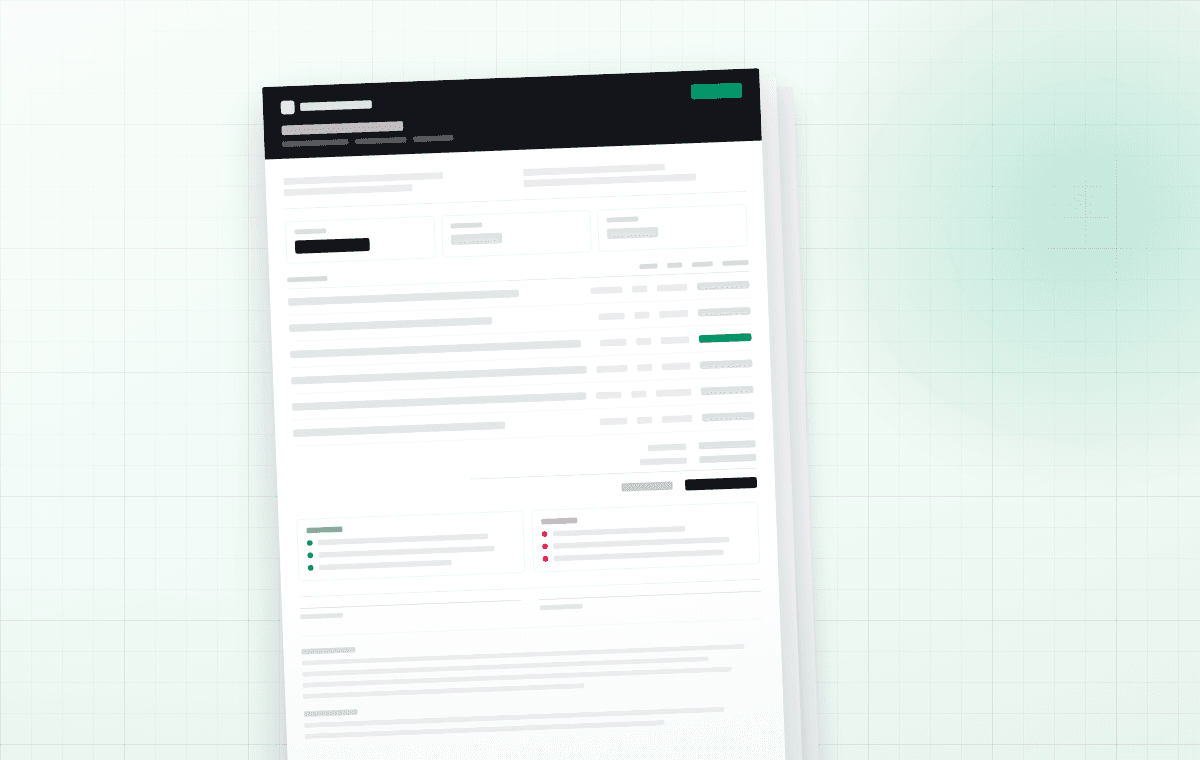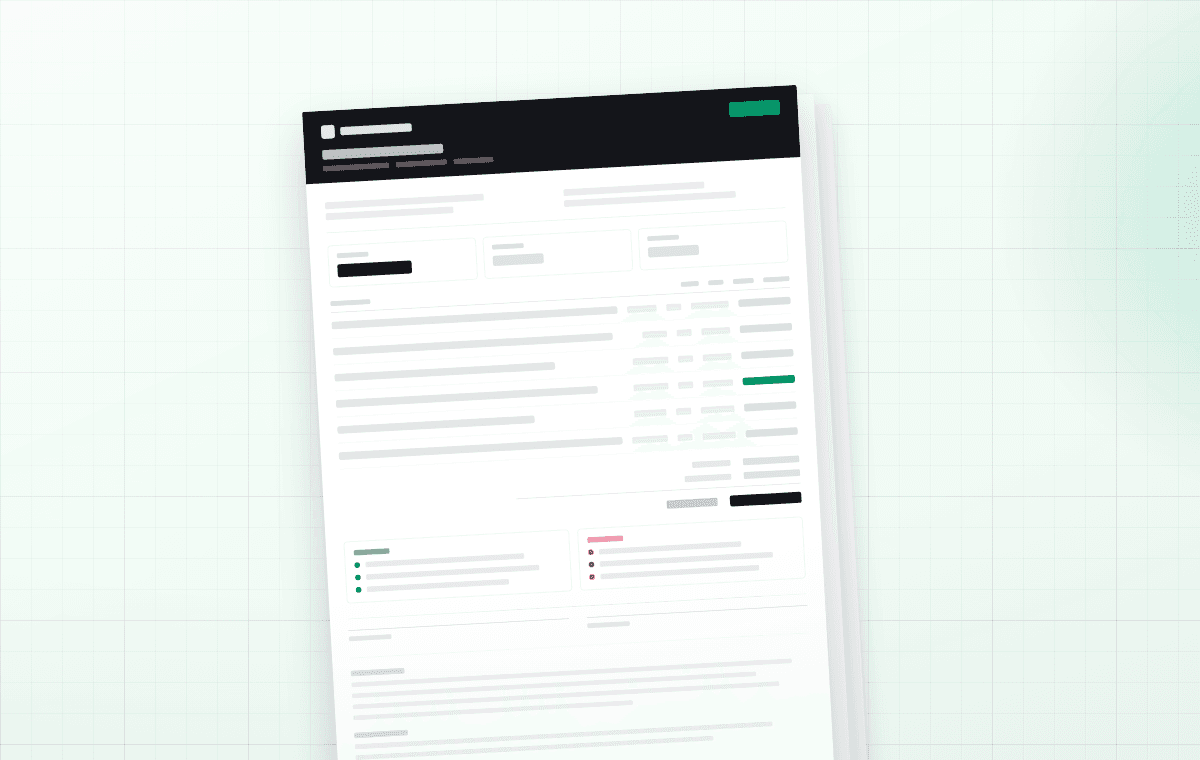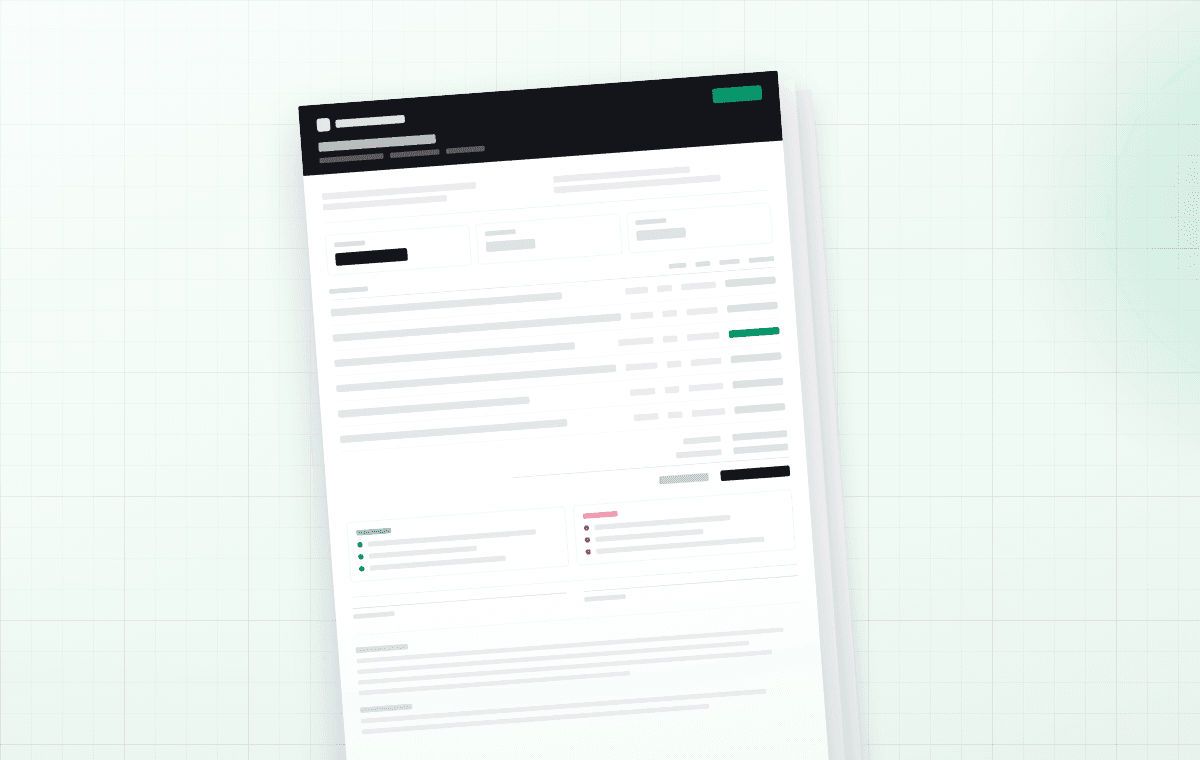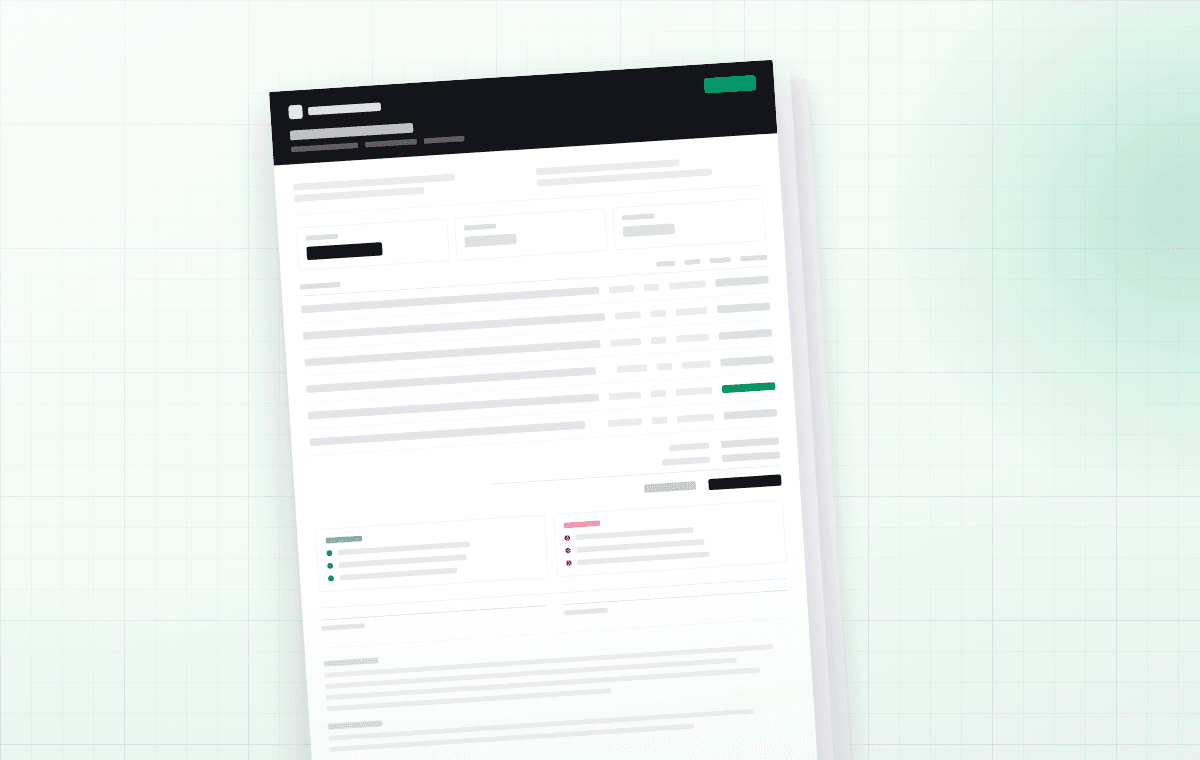
The change order is the cheapest document you will ever write and the one most often skipped. It takes about four minutes. Skipping it costs an average of one uncomfortable conversation and, eventually, one unpaid invoice.
When you need one
Any time the work differs from what the accepted document described. Not just when it costs more — a change that saves money needs the same paper, because it changes the contract total and the client will remember the original number.
That last one is the hard one. A change order that says “we measured 62 square feet of subfloor we had not seen” is normal. A change order that says “we measured wrong” is a conversation, but it is still better held now than at the final invoice.
What goes on the form
Seven fields. Anything more and it stops being a four-minute document.
A worked example
Continuing the Kenmore hardwood job: the crew pulled the baseboard and found 62 square feet of soft subfloor under the hall. The original contract was $4,996.04 and the exclusions explicitly named subfloor repair, which is why this is a clean change order and not an argument.
Two numbers make this document work: the original total and the new total. The client should never have to add anything up to know where they stand.
The wording that gets it signed
Send it before the work starts, not with the invoice. The sentence that does the work is plain: “We have stopped at this point and will not proceed until you approve. Approving adds $752.25 to the contract, bringing the total to $5,748.29.”
If you need approval in an hour and the client is at work, a photo of the condition plus the two totals in a text message, followed by the signed form, is a reasonable order of operations. The photo is what makes it uncontroversial.